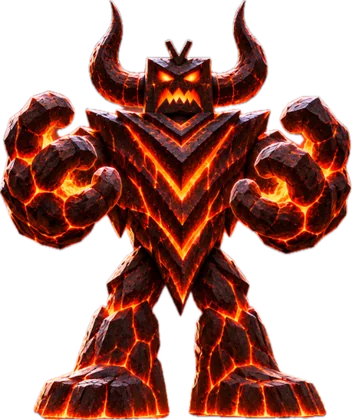
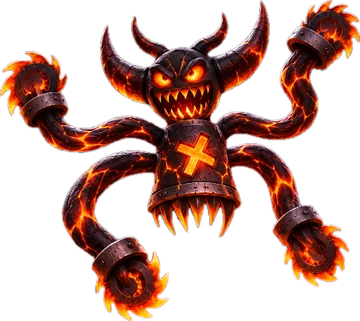

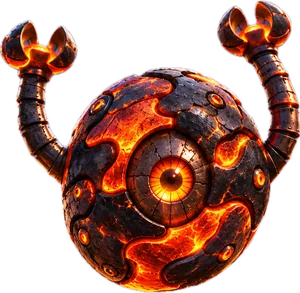
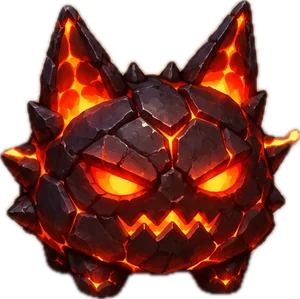

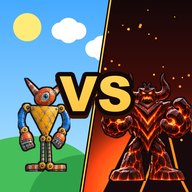
Good GuysVSBad Guys
Play
A game by Yoshi
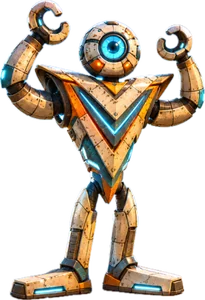
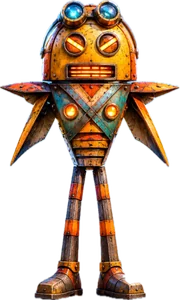
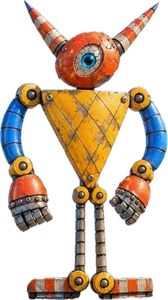
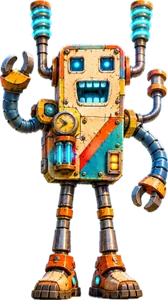
Tap the heroes, tap the boss, or hit Play
Shhh! Tick any cheats you want, then play.
Put the game on your Home Screen. It plays full screen, even offline!
 Open the Good VS Bad icon on your Home Screen once while you have internet, so the game can download. After that it plays full screen, even with no internet!